Case 02 — Planning platform for schools
Helder
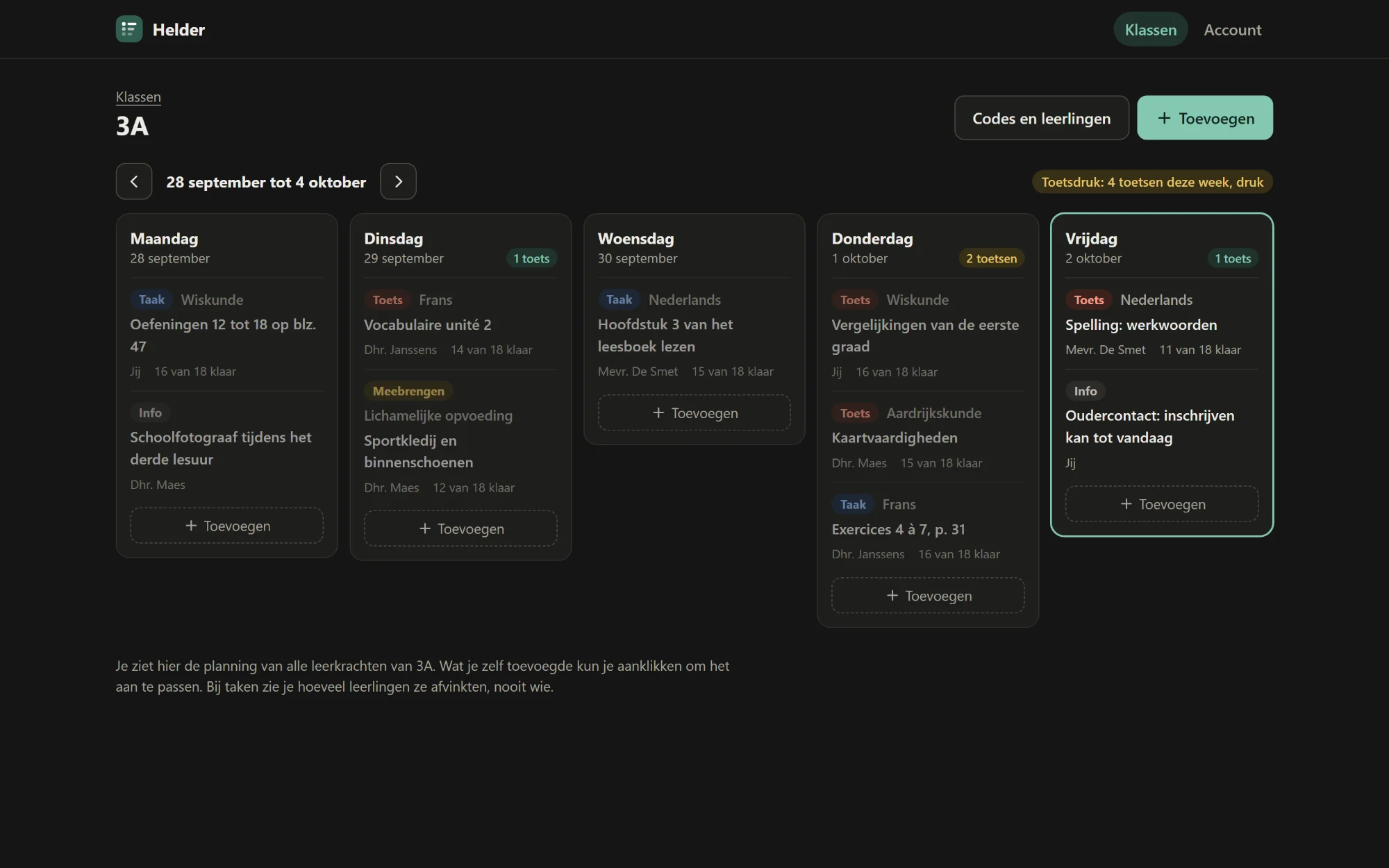
One calm screen for school. Students see everything they need to do on a single timeline, teachers see at a glance whether a week is already packed with tests.

AThe challenge
School platforms scatter everything across separate modules for messages, calendar and assignments. Notifications arrive at any hour, and nobody sees how many tests a class gets in a week until it's too late. Students lose track, and teachers unknowingly pile tests on top of each other.
BThe approach
Helder turns that around: one timeline instead of modules, no notifications but a 'new' label, and planning that warns teachers before a week overflows. It stores as little as possible: no email address, no real name. The pages work without JavaScript too; the script just makes them smoother.
CWhat it does
-
01
One timeline
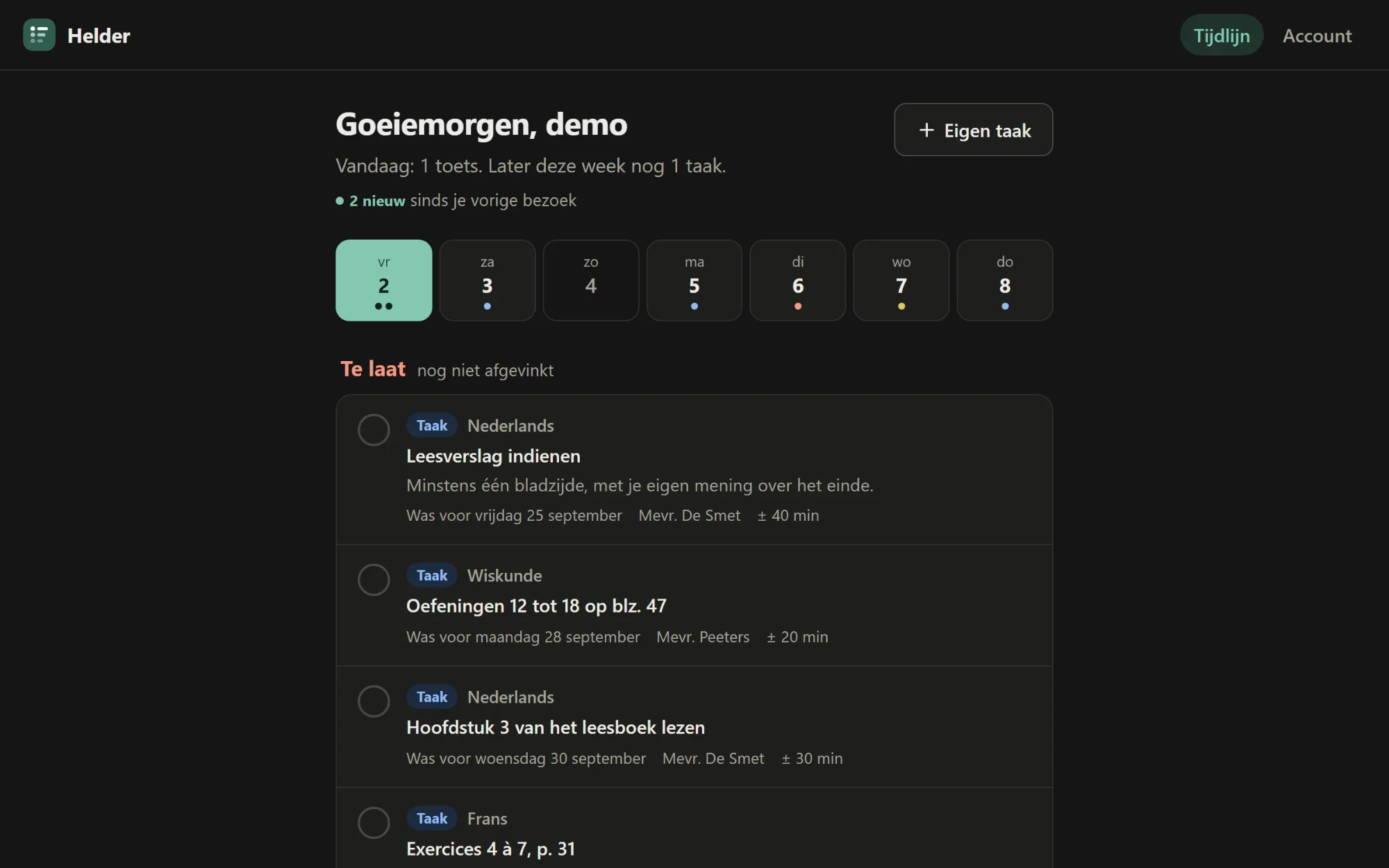
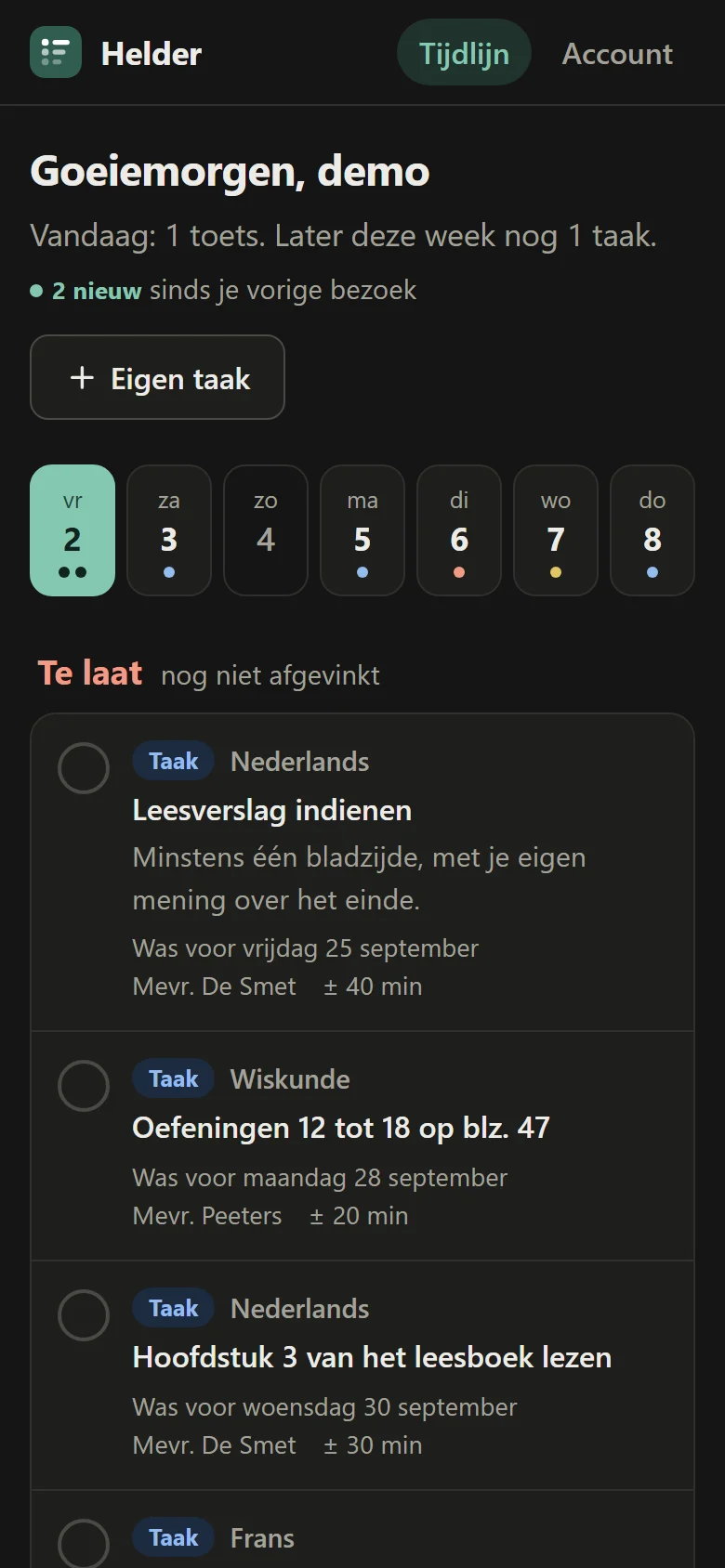
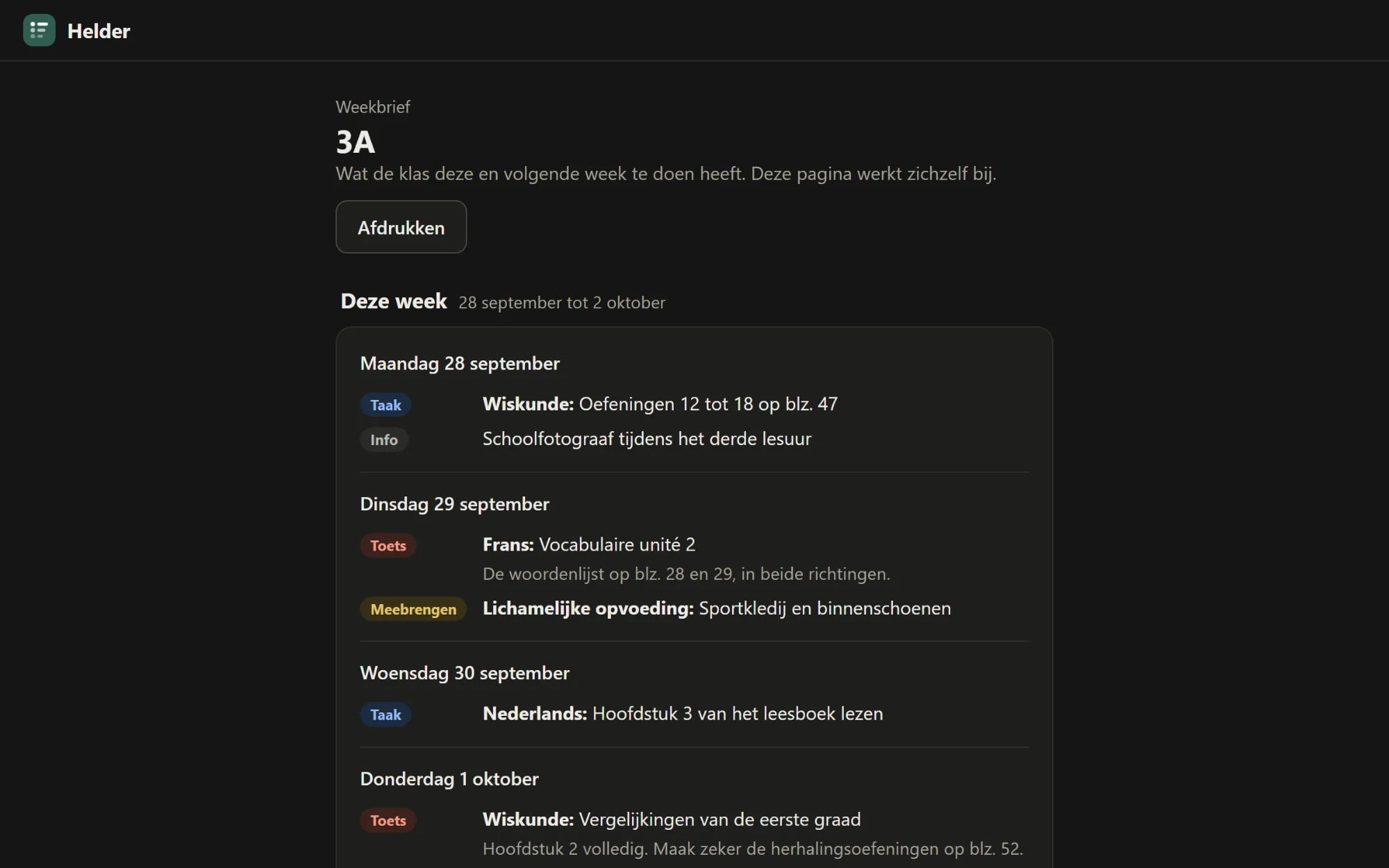
Tests, assignments, things to bring and info: today, tomorrow, the rest of the week and later.
-
02
Test pressure
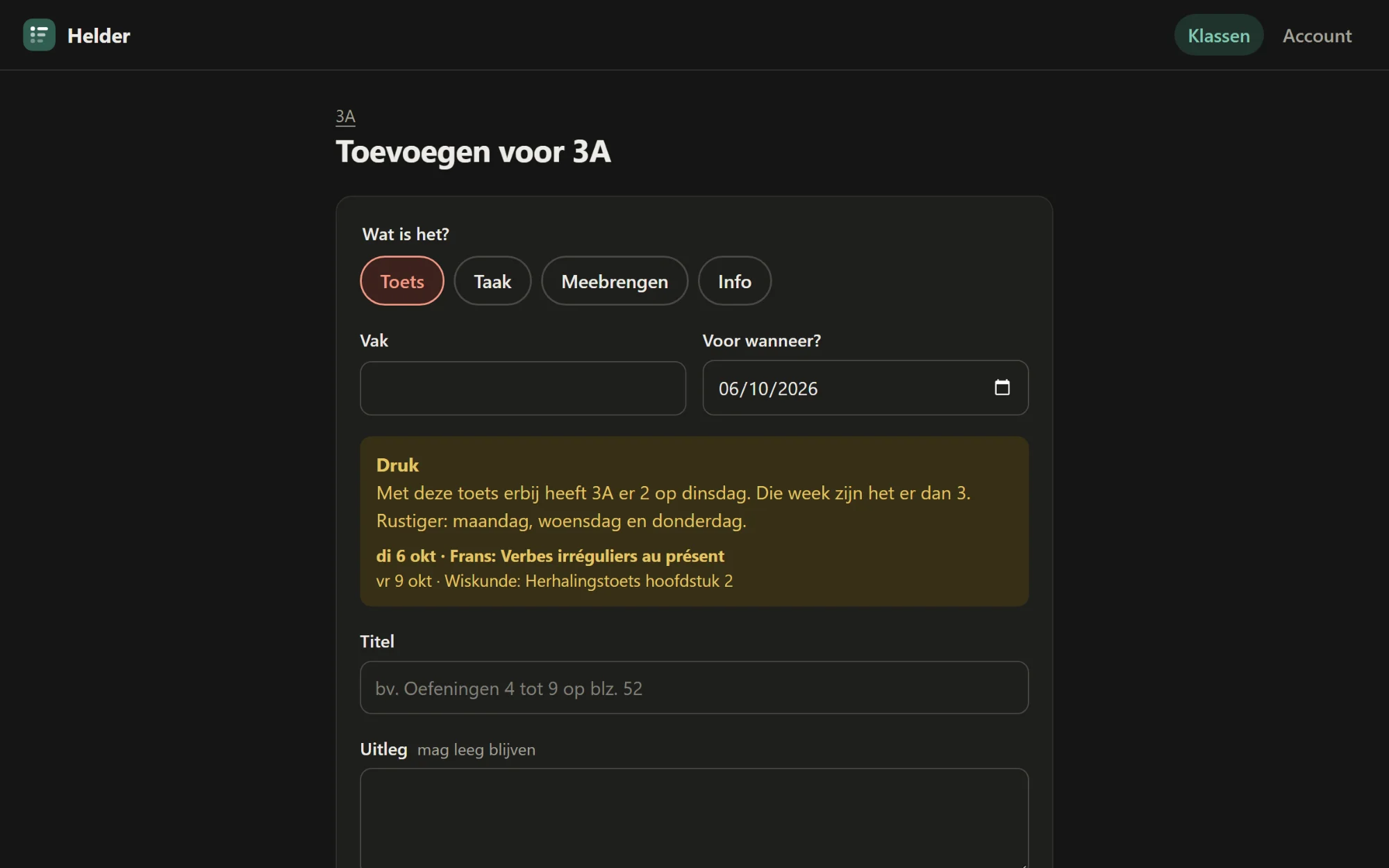
When planning a test, teachers immediately see which tests the class already has that week, with a calmer day suggested.
-
03
Quiet hours
Anything added in the evening or at the weekend only reaches students at 7 a.m. on the next school day.
-
04
No notifications
Whatever is new since your last visit gets a label. Nothing more.
-
05
Weekly letter for parents
Parents follow the planning through a link, without an account or logging in.
-
06
Privacy first
No email address, no real name. Teachers see how many students ticked off a task, never who.
DScreens




EUnder the hood
- 01Quiet hours
- On save, the app works out when an item becomes visible: immediately on a school day between 7 a.m. and 6 p.m., otherwise at 7 a.m. on the next school day.
- 02Calculating test pressure
- The app counts every teacher's tests per day and per week, compares them to adjustable thresholds and suggests the calmest school days in the same week.
- 03Three codes per class
- One for students, one for colleagues and one for the weekly letter. Without look-alike characters such as O and 0 or I and 1.
- 04Works without JavaScript
- Ticking off, planning and the weekly letter work as plain forms. JavaScript only makes ticking off smoother and shows test pressure live.
- 05Light and dark
- Follows your device setting automatically.
FBy the numbers
- lines of code
- 2,125
- database tables
- 5
- notifications
- 0
- email addresses stored
- 0